An Overview of Dashboard Web Part Cards
I usually blog a lot about SharePoint Web Parts and their functionality. However, we have one Web Part that allows the display of other elements inside of it, think of it as almost a Web Part within a Web Part. I am, of course, talking about the Dashboard Web Part. I blogged about it sometime ago. However, until recently, this web part was only available on the Viva Connections default page or the Home Site, limiting its adoption. Thanks to the recent Microsoft update, we can now add the Dashboard Web Part to any SharePoint site.
Since we now have this Web Part available to all Site Owners, I would like to take this opportunity to describe the cards available within it so you can better understand their benefits. I suggest you check out the individual posts below for specific instructions on adding those cards and configuring them.
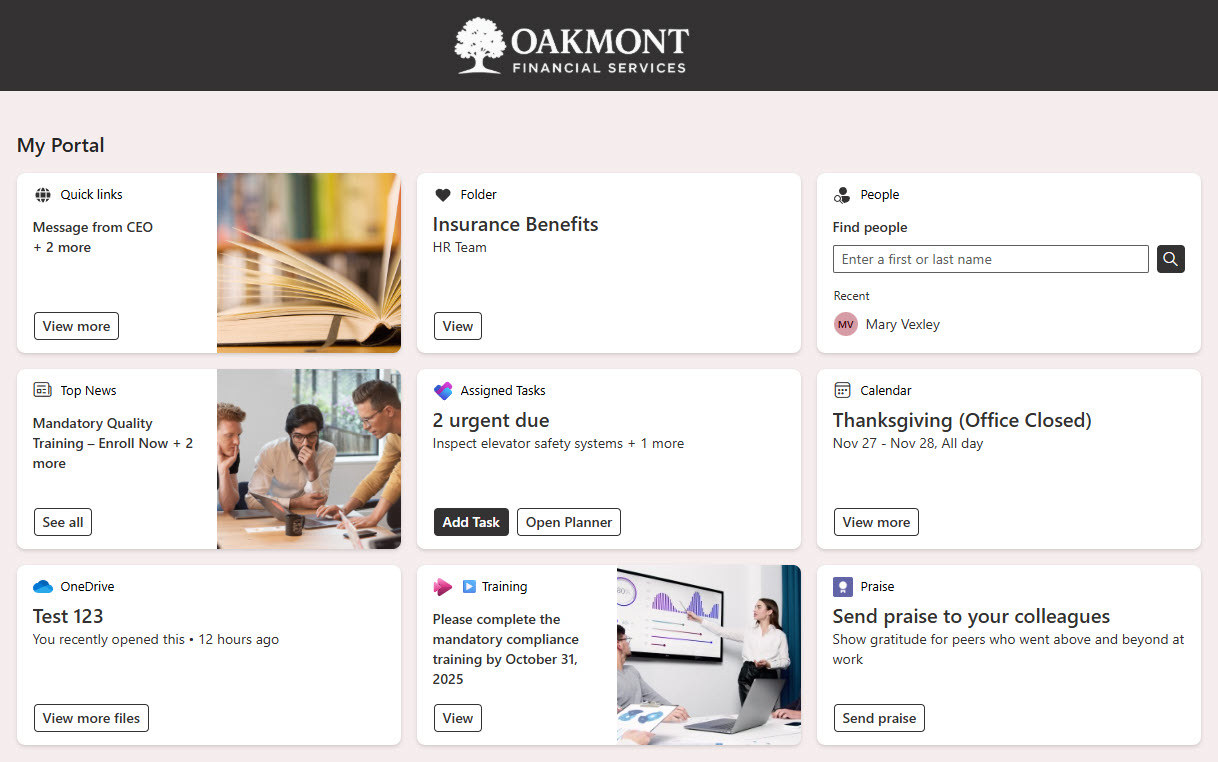
Below is an example Dashboard with all the cards in this post added to it. You can check out additional screenshots on my portfolio site.
1. Folder Card
A Folder card allows you to display the contents of a specific library or folder. Check out this article for additional instructions and nuances.

2. Assigned Tasks Card
Assigned Tasks shows the user their own tasks from Planner. It only shows a summary, and the user needs to click to access the other ones. This post explains it further.

3. Quick Links Card
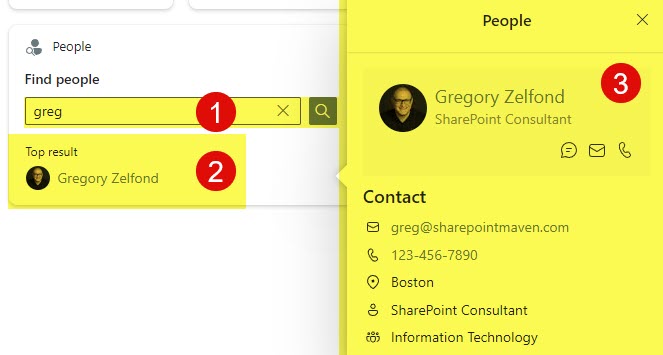
Quick Links Card is kind of similar to the SharePoint Quick Links Web Part – allows you to add a few essential links to the Dashboard. Check out this post for instructions.
4. People Card
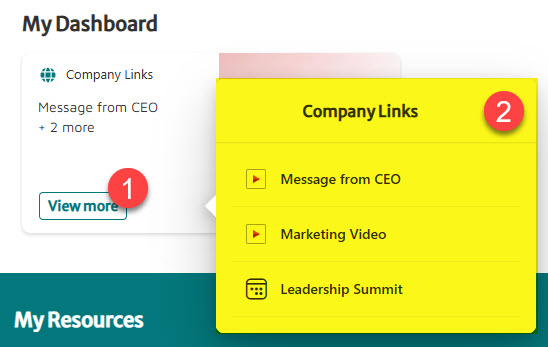
I love People Card! It lets you search for users right in your Dashboard by typing their name. Read more about it here.
5. News Card
News Card allows you to show existing news posts from SharePoint. Check out how it works in this article.

6. Events Card
Events Card is like the News Card, but it aggregates events created in SharePoint. Check out this article to learn more.

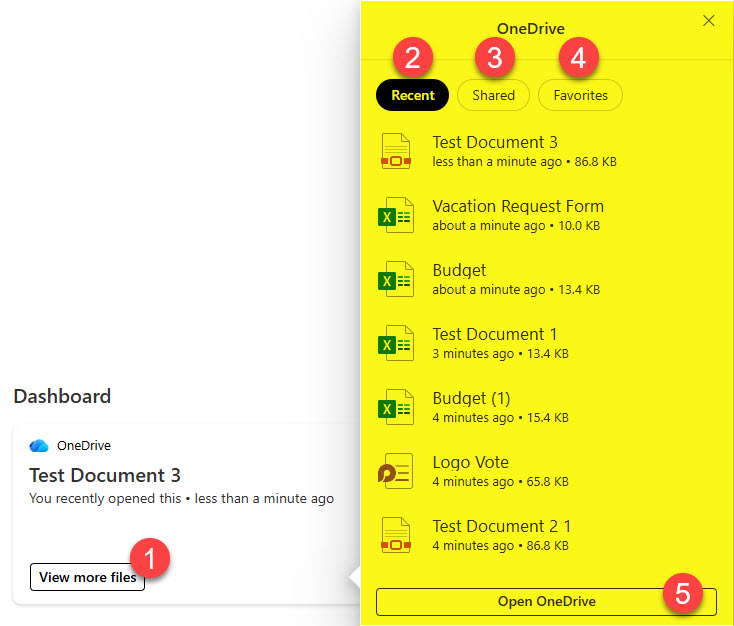
7. OneDrive Card
OneDrive card is another card that allows you to personalize the user experience. It allows users to access their own files right from the Dashboard. Learn more about it here.
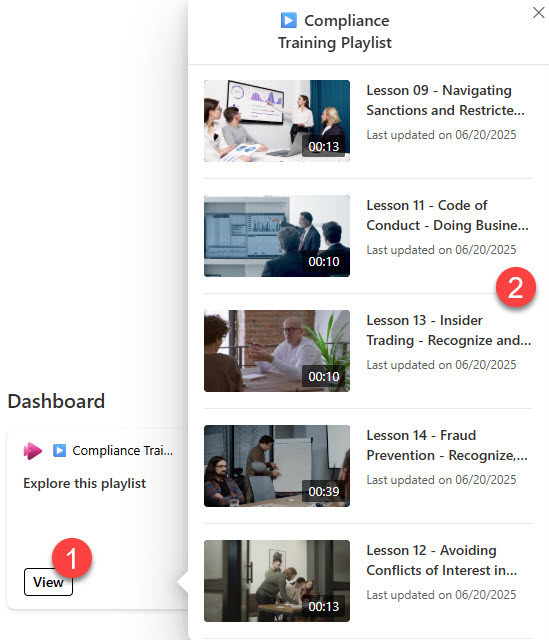
8. Playlist Card
With the Playlist card, you can display playlists of videos you created in SharePoint. A nice way to spice up your Site! Learn more about this card here.
9. Praise Card
A praise card allows users to thank and praise their colleagues. It relies on Viva Insights functionality. I explained this in greater detail here.

10. Web Link Card
Web Link Card is just like Quick Links Card, but allows highlighting a single link (one link per card). Read about it here.

Share Article