How to Design SharePoint Information Architecture for Colleges and Universities
One category of my clients that uses SharePoint and related applications is colleges and universities. Microsoft even has special licensing and plans for the EDU space. SharePoint makes sense for such organizations because it enables seamless collaboration among students, faculty, and staff. Another major use case for SharePoint in universities is the ability to create intranet portals. And this is what I want to highlight in this article.
The most common question I get from clients in the education space is how they should structure their sites. And this is where universities’ unique nature comes in. Unlike most “homogeneous” organizations in the private sector, universities are divided into different schools (e.g., School of Engineering, Business School, etc.). Departments (Admissions, Financial Aid, etc.) and types of personnel (faculty, staff, students).
To help accommodate the above structure, SharePoint hubs are a perfect fit. This is because they help organize the various sites within universities into logical hierarchies with relevant branding and navigation. Below, I would like to summarize the unique and specific features of the proposed solution.
1. Separate Communication and Team Sites for Departments
With the well-defined structure and roles/responsibilities, separate communication and team sites definitely make sense. Especially, there are lots of opportunities for communication/information sites that internal staff might need. The idea is that each department or function (i.e., Office of Financial Aid) will have an internal (restricted) site available only to that department, and an employee-facing site available to the entire staff. To learn more about the differences between team sites and communication sites, check out this article.
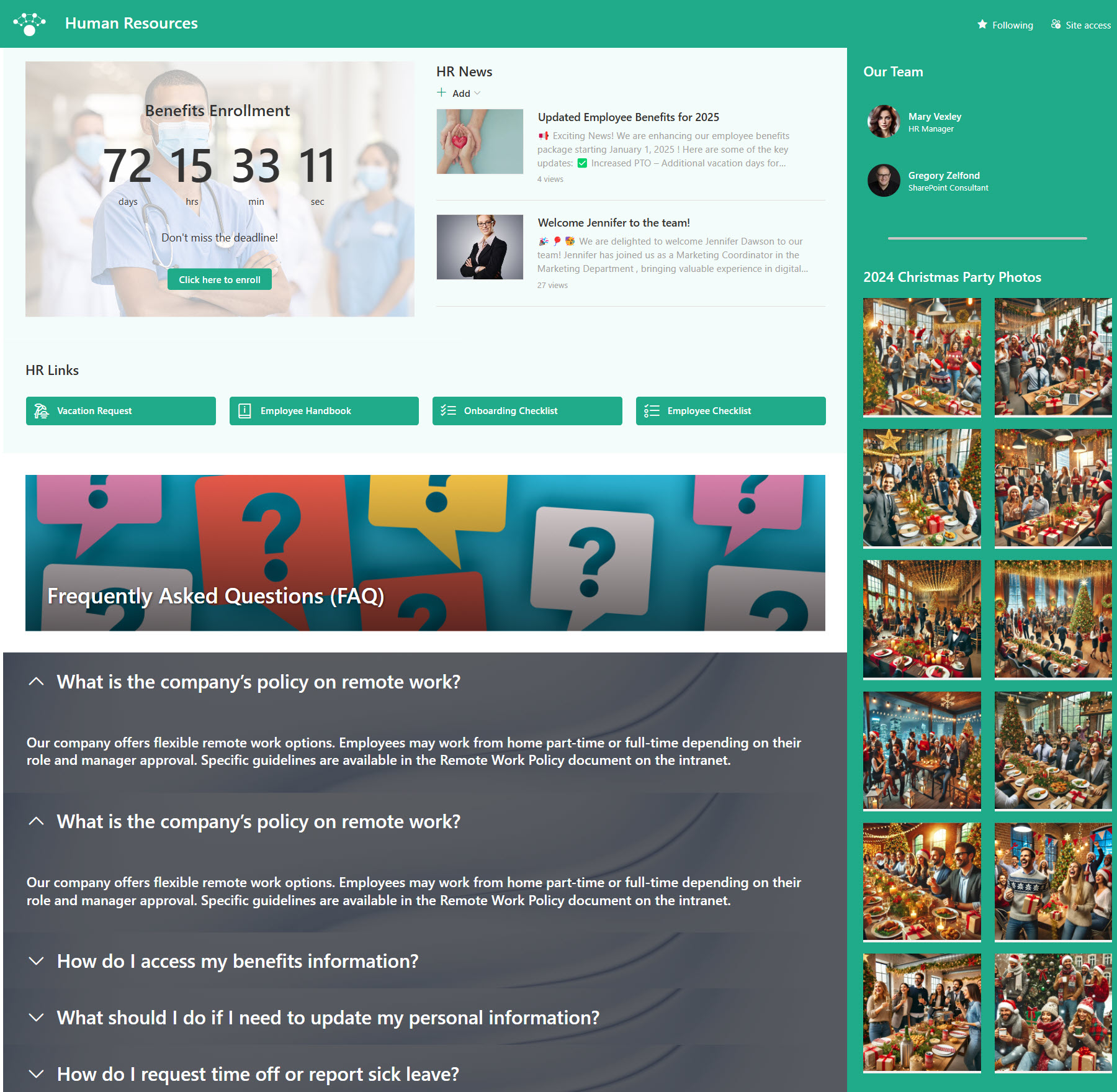
Example of a Human Resources Employee-facing site
2. Nested Hubs
Another unique attribute for universities is the multiple hubs. Depending on the size of the college or university, there might be between 2 and 20 Hubs created to unite the various schools, staff types, etc. And of course, with multiple hubs, we need a way to organize them, and that is possible, thanks to the ability to nest Hubs. Typically, hubs are created for different user types (faculty, staff, students), all rolled up into the main University Hub. Below is a sample diagram of such a setup.

Example of a Hub Site Architecture for a University
3. Term Store Metadata
Universities/Colleges are very structured organizations with a defined list of departments, schools, classes, buildings, academic years, and academic terms/semesters. So this makes it a really excellent use case for file metadata, should a university opt for that feature. Specifically, the Term Store metadata I explained in this article.
Below is a sample of possible Term Sets an organization could use within the Term Store:
- Colleges/Schools (i.e., College of Arts & Sciences, School of Engineering)
- Departments (i.e., Computer Science, Mathematics, Biology)
- Academic Programs (i.e., Bachelor of Science, Master of Science, PhD)
- Academic Terms/Semesters (i.e., Fall, Spring, Summer, Winter)
- Academic Years (i.e., 2024–2025, 2025–2026)
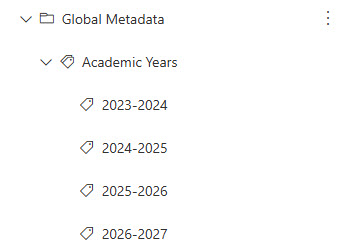
4. University Homepage
And finally, we have the Main Intranet Homepage/Hub to tie all the other sites and hubs together. This is the site that will serve as the main entry point for all users and will let them navigate to the respective area of the Intranet based on their role. The Intranet homepage will contain links to the most important resources, news, announcements, and calendars. It will also contain the Hub Site navigation linking all the other sites and hubs. Check out this post on how to create an Intranet Homepage in SharePoint.
Below is an example of an Intranet Homepage for a University. To check additional images/possibilities, check out my LookBook 365 portfolio.
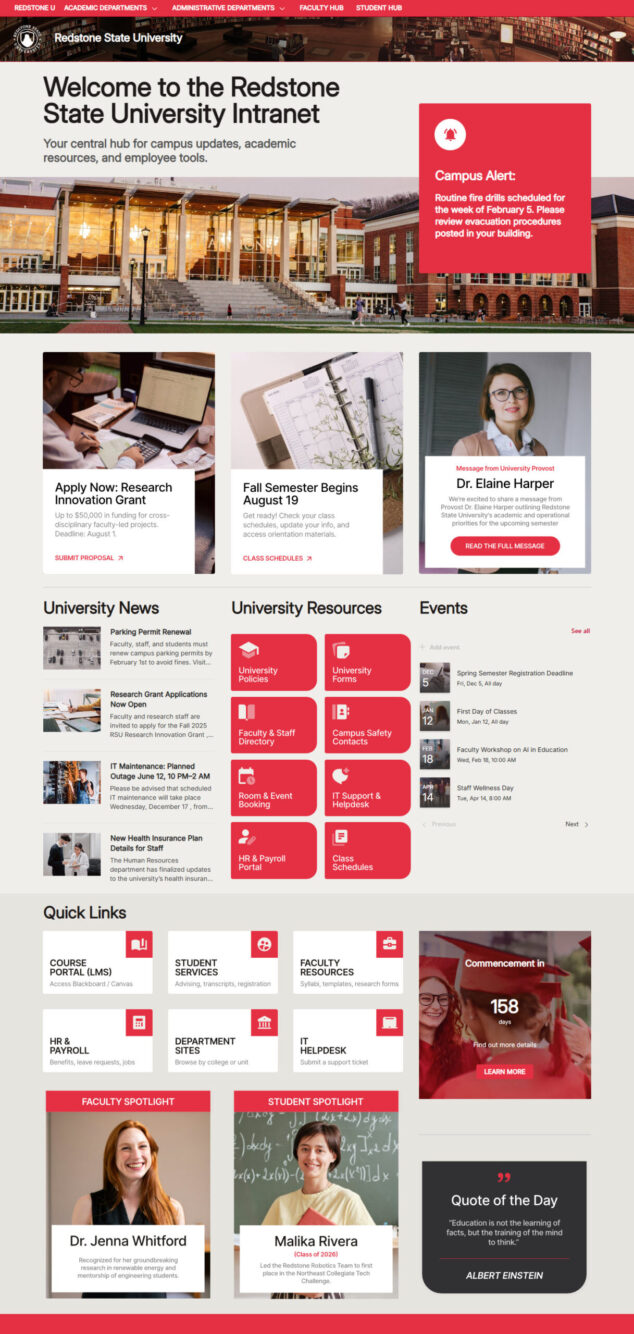
Example of a University Intranet Homepage

Share Article