2 ways to make metadata columns available in all SharePoint Sites
One key reason for setting up metadata in SharePoint is the ability to standardize across multiple sites with a common tagging and naming convention. Let’s say your organization decided to define such a naming convention via metadata. How do you ensure that this metadata is propagated to all sites and utilized accordingly? Let me share with you two primary methods to achieve this.
Option 1: SharePoint Term Store
The first option for making metadata available to all sites is to set it up within the Term Store. You can read more about it in this article. Once defined, users can utilize the managed metadata column to rely on the global values and use them in their lists and libraries.

Managed Metadata defined within the Term Store

Ability to create a Managed Metadata Column on a list or library

Ability to create a Managed Metadata Column on a list or library
Pros
- Term Store has lots of advantages compared to the regular Choice column, all outlined here
- Easy to create and maintain
Cons
- Term Store columns are best for columns with drop-down choices (i.e, department names, document types, etc.). They are not the best fit for other types of columns, such as Date and People.
Option 2: Global Content Type Gallery
Another way to make metadata available for all sites is via the Content Type Gallery. This is where you define several columns applicable to a single type of content, package it into the content type within the SharePoint Admin Center, and publish it to all sites. Once done, site users can rely on the content types and easily add one to their local list or library. I explained the whole process of global content types in this article.
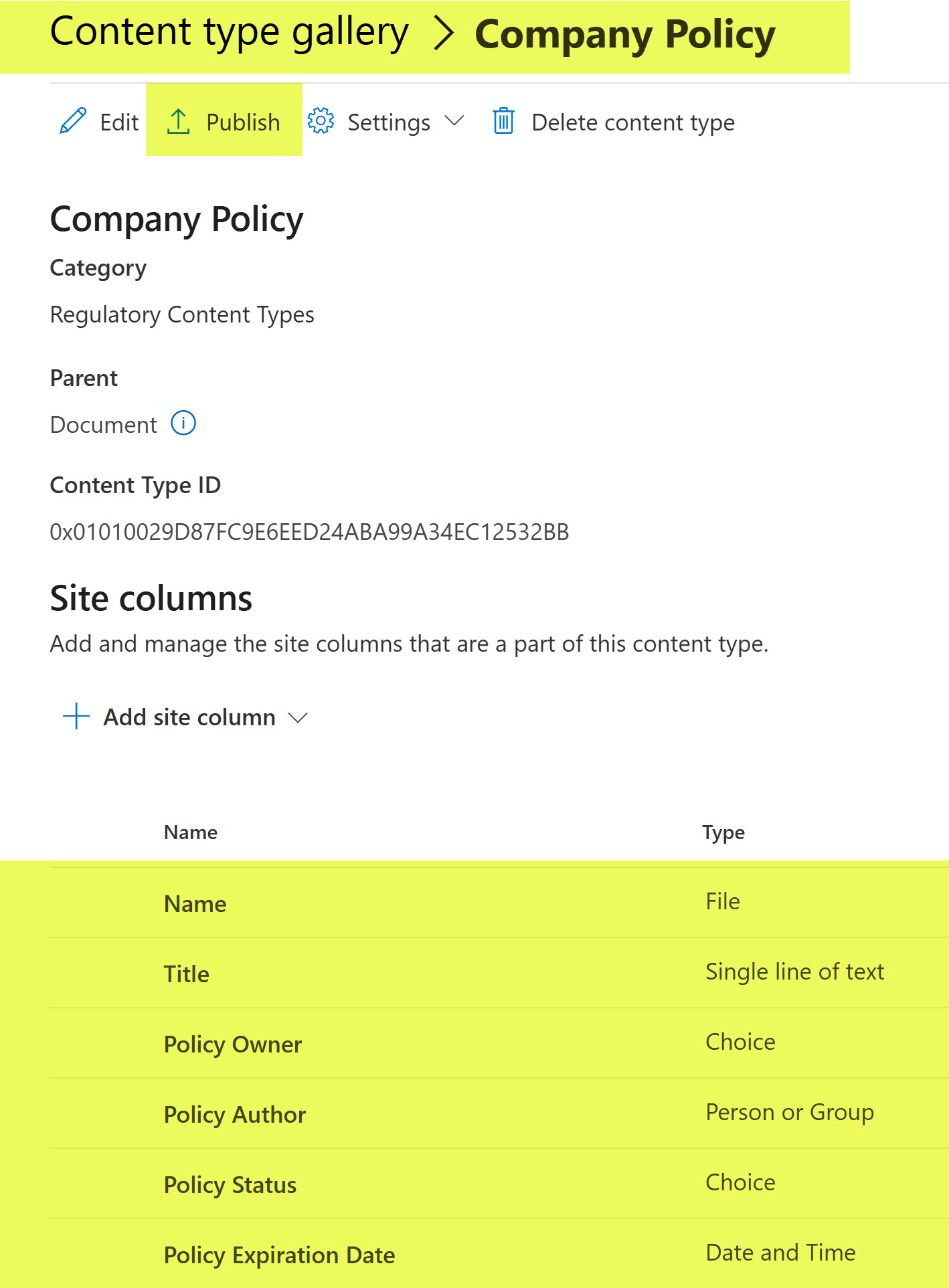
Content Type Definition within the Global Content Type Gallery
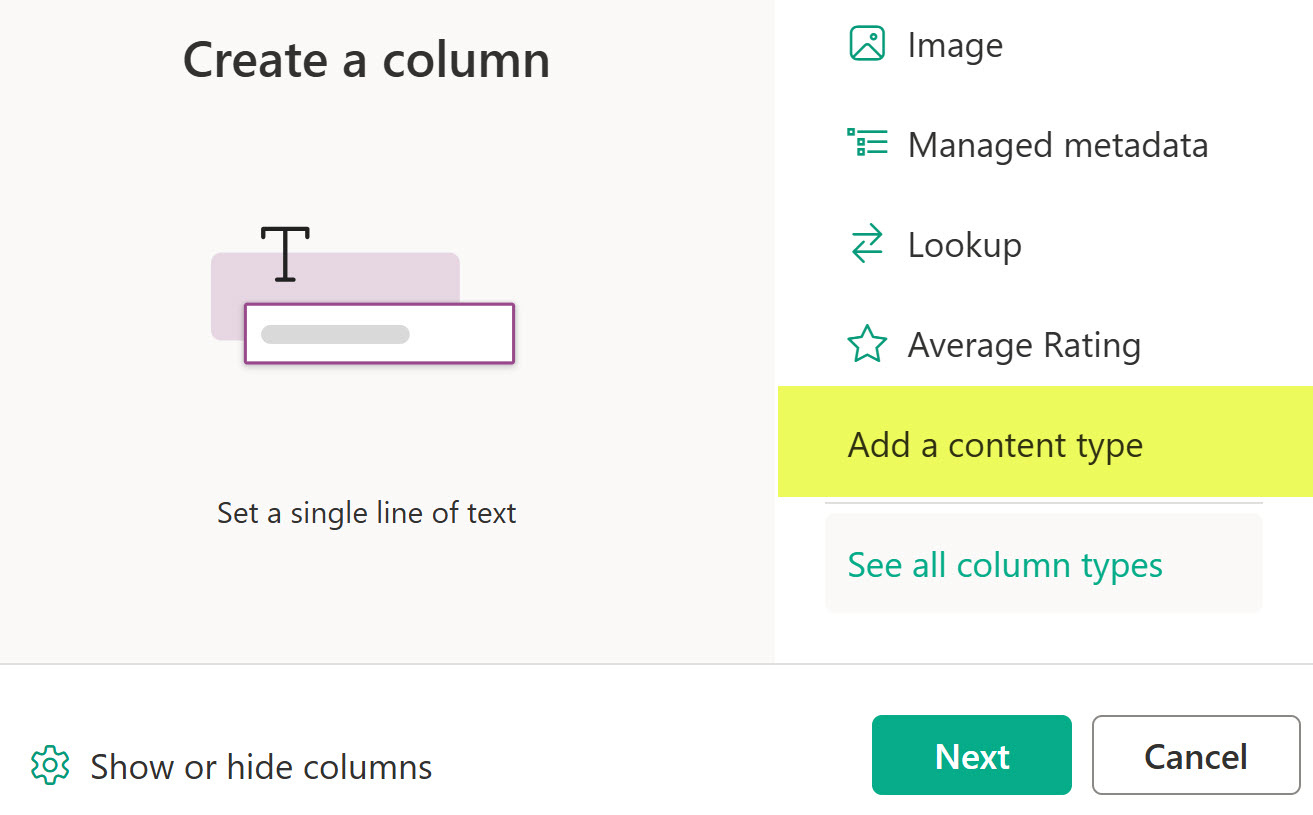
Ability to add a global content type to the list or library
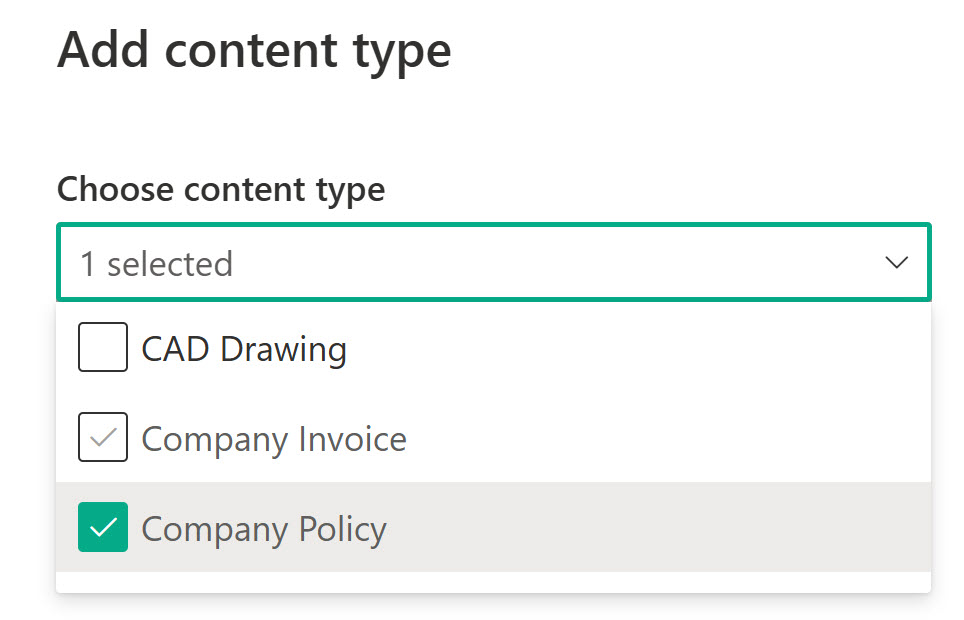
Ability to add a global content type to the list or library
Pros
- Content Types allow for multiple columns to be used at once
- With content types, you get all the benefits of the content type, outlined in this article
- Content Types allow for any kind of column to be added to them (including managed metadata).
- Choice columns that can be created within the Content Type allow for built-in color-coding and formatting that is not available on managed metadata (as of the writing of this post).
Cons
- Content Types require more stringent rules, guidelines, and governance compared to just using random managed metadata columns.

Share Article