What Is the Site Pages Library in SharePoint?
Most of the articles on my blog focus on the Document Library and its capabilities. And even though I also blogged about pages and news posts a lot, I never really blogged about their parent – the Site Pages Library. In this article, I would like to correct my mistake 😀, explain the idea behind it, and outline its unique capabilities.
What is a Site Pages library in SharePoint?
The Site Pages library in SharePoint is a special type of library on a SharePoint site that stores all the site pages you create. This includes regular pages as well as the news post pages. You can access it in one of two ways:
Option 1: If your site was recently created and you never edited navigation, click on the Pages link from the navigation
 Option 2: If you don’t see the Pages link, click on the Gear Icon > Site Contents, and you will see the Site Pages library in there.

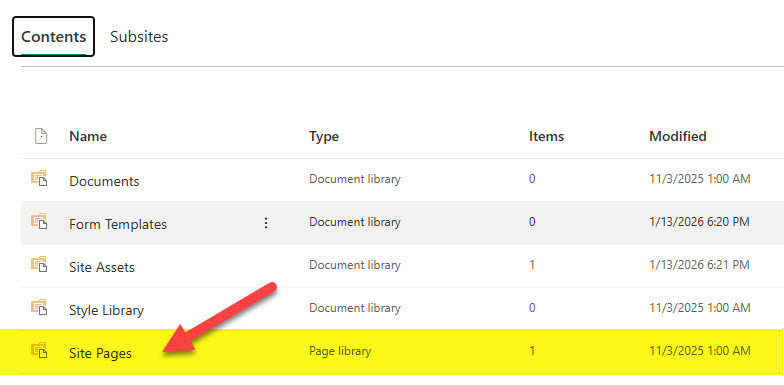
What is stored inside the Site Pages Library?
Though the site is used to store pages, you might find other types of content there. Let me explain all the possibilities:
Default Pages
When the site is created, it might contain 1 or more pages (depending on the chosen template). One of the Pages will be THE homepage of the site (the page that loads by default when accessing the site URL). It will either say Home.aspx, TopicHome.aspx, ProjectHome.aspx, or some other variant containing “home”, depending on the site’s template.

Default Homepage within the Site Pages Library
New Pages
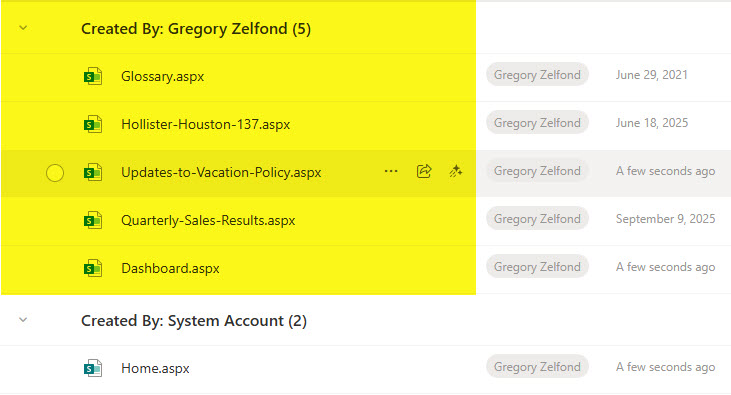
As you create new pages on a SharePoint site, they will also be stored in the Site Pages Library.
News Post Pages
As explained earlier, when you create a news post, it actually creates a page. As such, you will also find all the news post pages in there.

Templates Folder
If you saved any pages as templates, they will be stored in the Templates folder, which is automatically created the moment you create your first template. If you have multiple templates, they will all be stored in that folder.
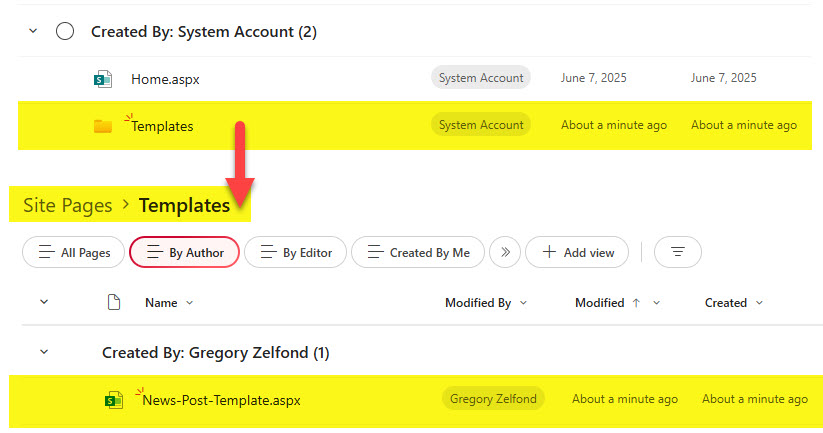
Example of a Page Template stored inside the Templates Folder
Alternate Languages folders
If you enabled multiple languages on a site, it will create a folder with the 2-letter language abbreviation. That is where the other language pages are stored (the ones you will translate).
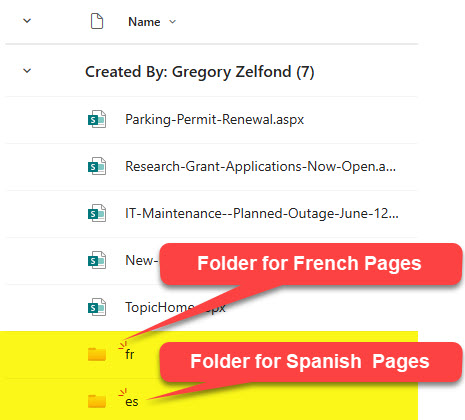
Language Folders in a Site Pages Library
Nuances about the Site Pages Library
- Only one (1) Site Pages Library per site is allowed
- You cannot upload non-page files to the Site Pages Library (i.e., Word, PDF, Excel, etc.)
- You cannot create or drag folders into the Site Pages Library (unless you want to break things and tweak advanced settings and allow folder creation, which would just be stupid and irrelevant)
- The Site Pages library cannot be synchronized to Windows Explorer
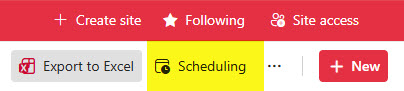
- The Site Pages library allows you to schedule news posts. I explained how this feature works here.
- Likewise, Site Pages also allows you to enable page approvals. Learn more about it here.

- Just like any document library, Site Pages can easily be deleted. This will immediately screw up access to the site for everyone and produce the infamous 404 error. Don’t do it!
- Other than the exceptions above, the Site Pages Library has most of the attributes and features of a “regular” document library, such as version history, custom views, formatting, metadata, etc.

Share Article