Teams or SharePoint? Which one to use?
Hard to believe, but it has been 25 years since we got SharePoint and 9 years since Microsoft Teams was released. Yet, after all these years, just like the Coke vs. Pepsi debate, we still have users confused about which application to use. There are many articles written on the topic, and I even wrote one myself back in 2019, but I figured I would update it with the latest developments and information. So here it goes.
Evolution of SharePoint
To understand the current state, we must go back in history. Historically, SharePoint has been an application for managing static content (documents, lists, pages). On multiple occasions, Microsoft tried to make SharePoint a bit more social. You might remember the Newsfeed Web Part, a Discussion Board, and, most recently, comments on Pages. However, none of those options could really compete with the expectations of modern tools like Facebook or LinkedIn.

An example of a Discussion Board Web Part in Classic SharePoint

An example of a Newsfeed Web Part in Classic SharePoint

An example of a Page Comments in Modern SharePoint
Evolution of Teams
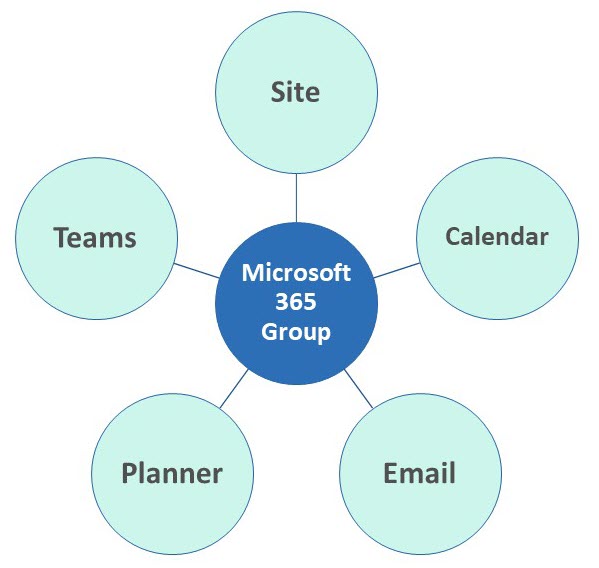
In 2017, Microsoft released a new application called Microsoft Teams. It was created as an alternative to Slack, a persistent chat-based application that allowed users to text each other in real time. Unlike Slack, though, Teams is not just a standalone application that exists in its own space. It is tightly integrated with other Microsoft 365 applications, specifically SharePoint and OneDrive.
Teams = “Facebook” and “Zoom” built on top of SharePoint
When I define and explain Teams to my clients, I always call it Facebook and Zoom built on top of SharePoint. Let me explain what I mean here.
- Just like Facebook, Teams allows you to exchange texts/chats in real time

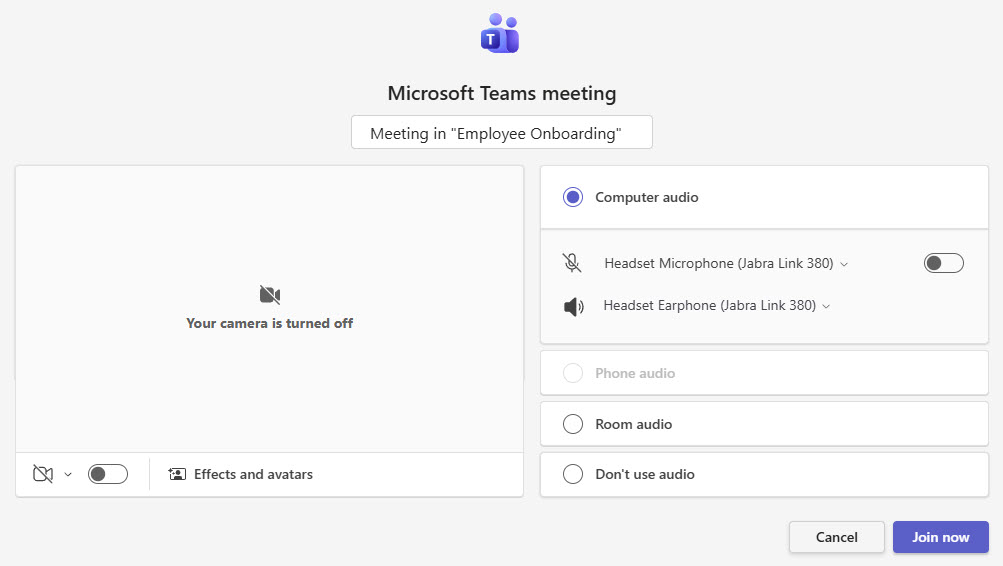
- Just like Zoom, Teams allows you to schedule and conduct web meetings
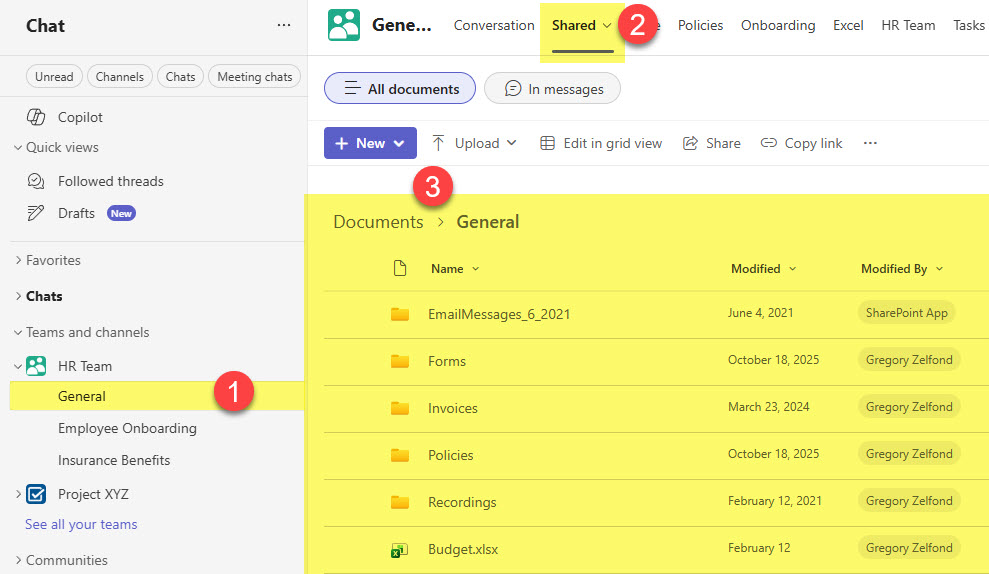
- However, the minute you click the Shared Tab (formerly Files) in a given team/channel, you are in SharePoint. You are looking at the contents of a folder or a library (depending on the channel created) that are stored in SharePoint.
I suggest you check out this article to learn more about 3 channel types and their relationship with SharePoint.
Teams or SharePoint, which one to use?
So, back to the original question. Should you be using Teams or the SharePoint interface? Well, it is all about personal preference. At the end of the day, it does not matter, as all content resides in SharePoint. My clients often have users in the same company who prefer different methods. Some start and end the day in Teams, thus accessing everything from that interface. And some who prefer Outlook or don’t use Teams chat often prefer to navigate to the associated SharePoint site/library in the browser.
So to summarize, it is not a question of whether you should be using just SharePoint or just Teams. It is more about user preferences. I would argue that the Teams vs. SharePoint debate is more about whether you should be creating Teams-connected sites in the first place. This is something I actually explained here.

Share Article