What is Planner Premium?
I have written numerous articles on the Planner application in the past. Planner is a great team task management tool that allows users to easily collaborate on tasks, track statuses, and set due dates. However, in 2024, Planner underwent a significant transformation that is continuing to this day. Besides a visual upgrade, we also got a new “app” or piece of terminology, however you wish to call it, called Planner Premium. I would like to explain to you what it is and how it differs from a “regular” Planner.
What is Planner?
If you’d like to become familiar with Planner, I suggest checking out this article. It explains the core capabilities of Planner, which is essentially a Kanban Board task management tool.

Example of a Plan in Planner
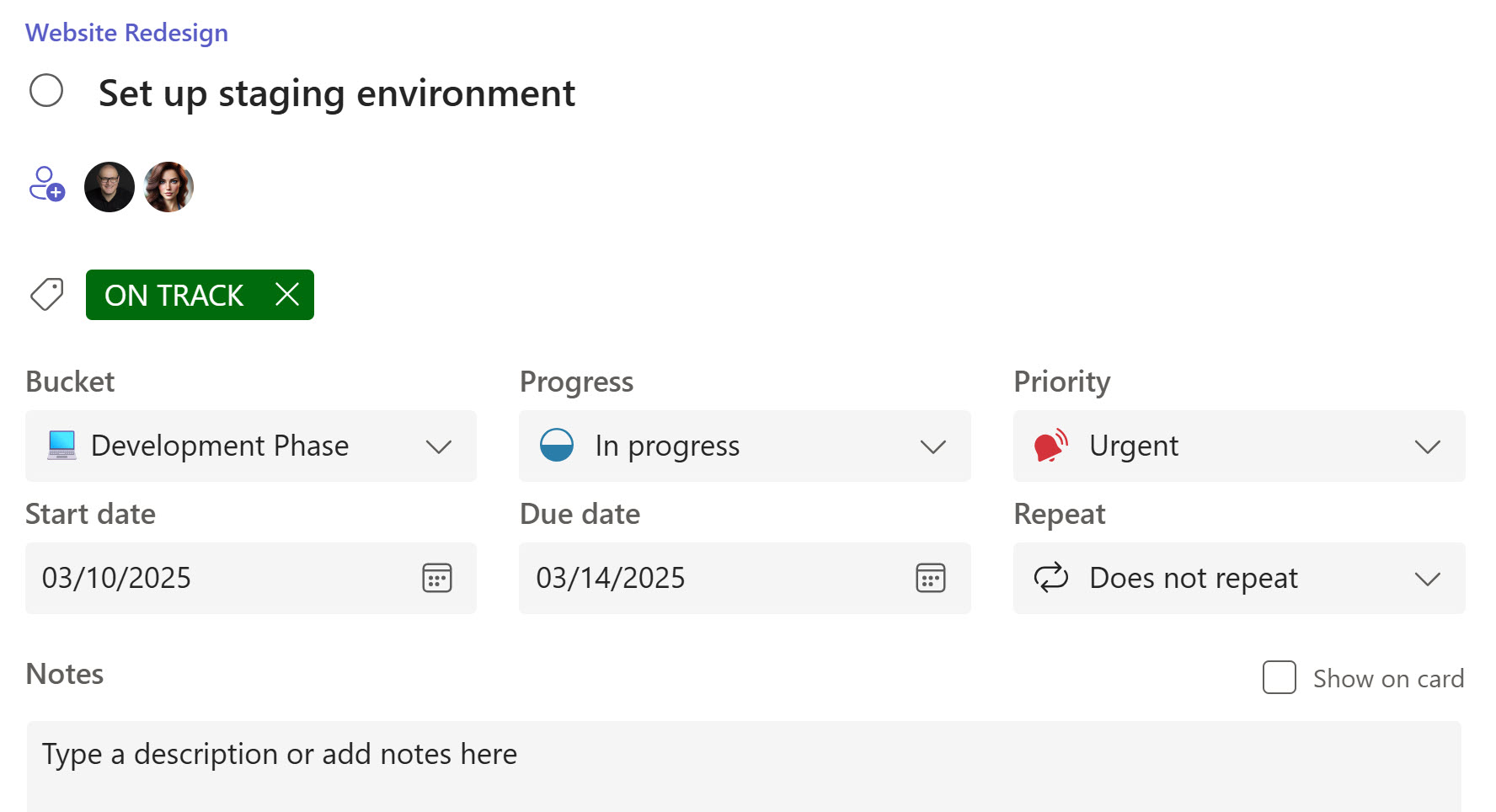
Example of a Planner Task
What made Planner stand apart from other task management tools is that it did not require users to have a PhD degree in Project Management to use it – at the end of the day, it is a simple and visual task management tool meant for smaller projects that did not require formal project management methodologies like Waterfall.
And Planner is included in all mainstream Microsoft 365 plans!
Project for the Web
At some point, we also got another application within Microsoft 365 called Project for the Web. It was intended to be an online version of Microsoft Project – the Gantt Chart task management tool primarily used by Project Managers. While Planner was designed to be a lightweight task management tool for small and informal projects, Project for the Web was intended for managing larger projects under formal Project Management methodologies and processes. The core feature of Project for the Web was a Gantt Chart timeline, along with the ability to set task dependencies (something not possible with Planner), track resources, and more – all the features Project Managers typically crave.
Unlike Planner, which was included in the standard Microsoft 365 subscription, Project for the Web required its own subscription and licensing.

Example of a Schedule built in Project for the Web
Project for the Web = Planner Premium
In simple terms, Planner Premium is the old Project for the Web. Microsoft pretty much rebranded it. The Project for the Web name has been discontinued, and it is now Planner Premium. As the name implies, Planner Premium also requires its own subscription or licensing.
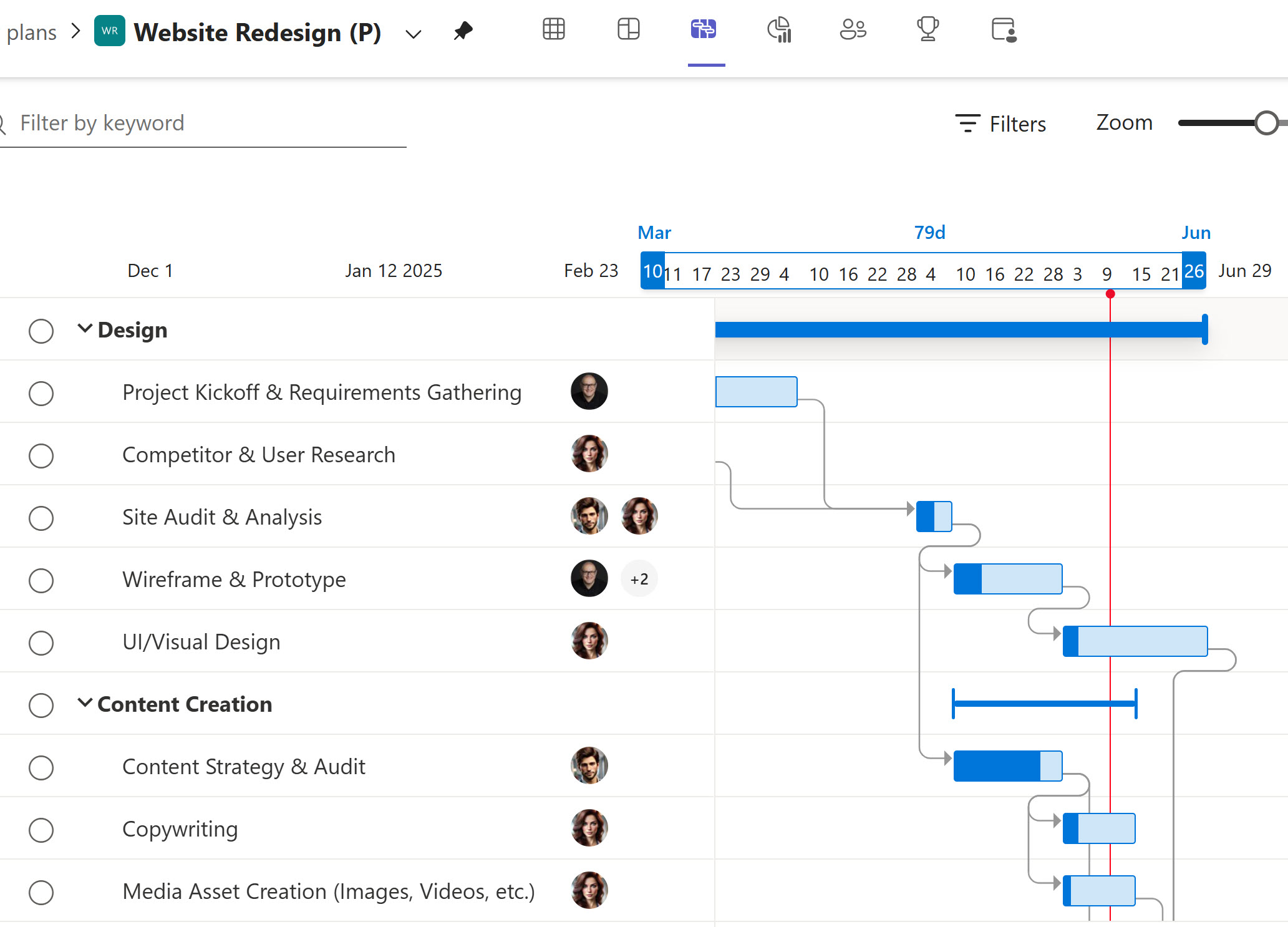
Example of a Schedule built in Planner Premium
However, Planner Premium is being evolved and is not just the old Project for the Web (which in turn is the old Microsoft Project). Microsoft is also incorporating Copilot and many other features into the Planner Premium subscriptions. You can view all these features here.

Screenshot of a Microsoft Page comparing various Planner Premium Plans
In future posts, I plan to document more Planner and Planner Premium capabilities. In the meantime, if you would like to check out some screenshots of Planner Premium, check out this series of screenshots on my LookBook 365 Portfolio site.


Share Article